
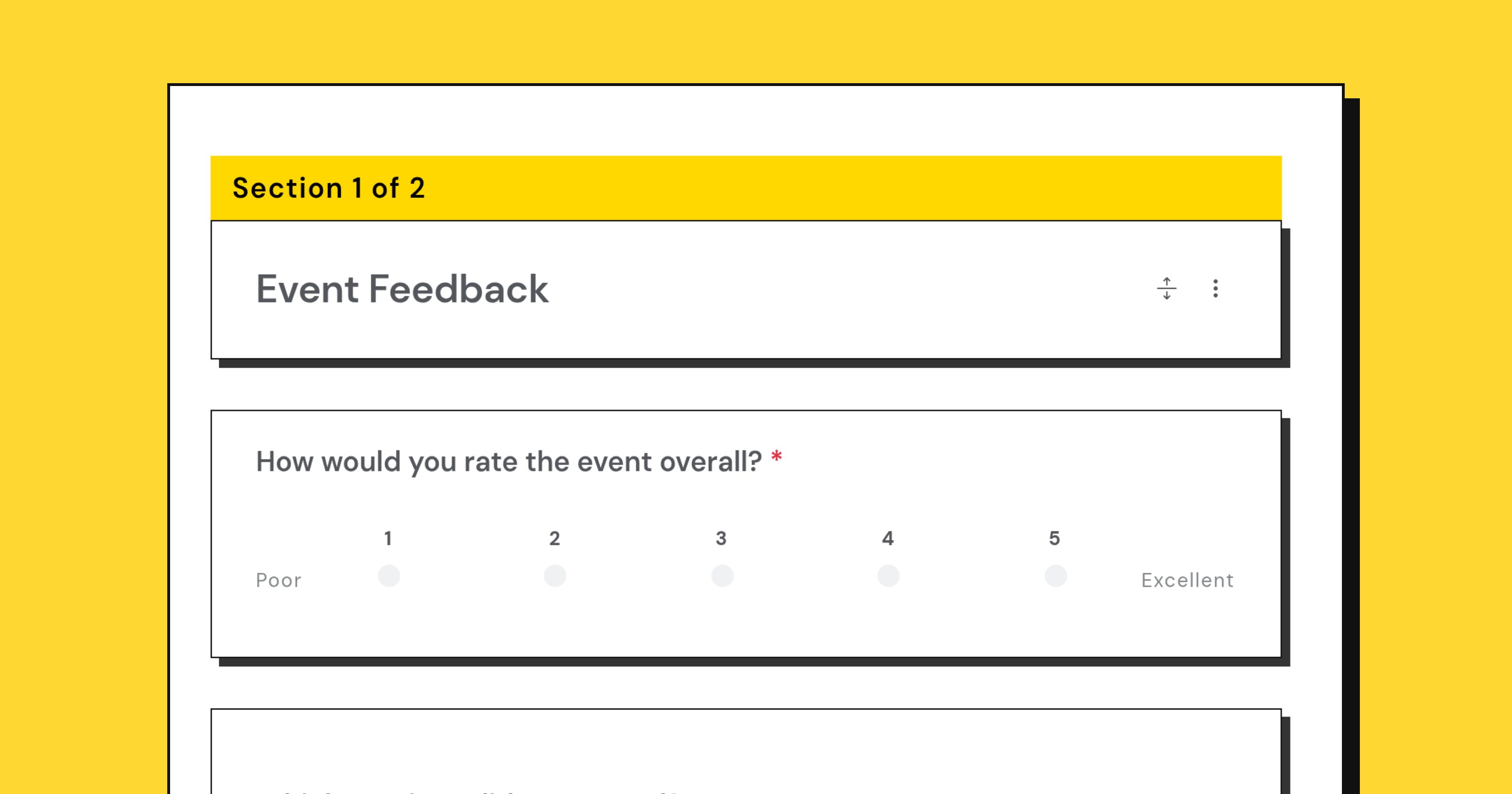
Event feedback has a short shelf life. Within a day, people remember the sessions, the room, the queue for coffee and how they felt walking out. Within a week they remember a general impression and whether they liked the keynote. The survey you send on Friday for Monday’s conference is measuring memory, not the event.
Send it while it is fresh
Same day if you can, next morning at the latest. If the event ran over several days, send it at the end rather than after each day, unless the days had genuinely different audiences.
A link on the closing slide and a chair-drop card with a short URL both work better than they should, because the ten minutes after an event ends is the one time everybody is sitting still with a phone in their hand.
Ask about the parts, not the whole
“How was the event?” produces a polite number. People can rate the specific things they experienced with much more precision:
- The sessions or talks, individually if there were few, by track if there were many.
- The venue and the practical parts: signage, food, timing, the queue.
- The other attendees, which for most professional events is the real product.
- The registration and joining process, which is the part you can most easily fix before the next one.
Three or four rated items, each on the same scale, and you can compare them directly at the end.
One question about what happens next
The most useful question on an event survey is not about satisfaction at all. It is some version of “what will you do differently on Monday?” or “who did you meet that you will follow up with?”.
Answers to that question tell you whether the event did anything, which is the thing every sponsor and budget holder actually wants to know, and no rating can supply.
Keep it to two minutes
A post-event survey competes with the journey home. Five to eight questions is the working range: the rated items, one open question about what to change, one about what to keep, and the follow-up question above.
Resist the temptation to bolt on the demographics you forgot to collect at registration. That is a different form, and adding it here costs you responses on the questions that matter.
Name the sessions properly
If you ask people to rate sessions, list them by title and speaker, exactly as they appeared in the program. Half your respondents will not remember which one was “the panel”, and a dropdown with the real titles takes you thirty seconds to build.
Where the list is long, ask which sessions they attended as a checkbox question first, then ask about those. In Questionful, the choice questions (multiple choice, checkboxes and dropdown) are the ones that can branch, so this routing works.
Let people be negative without effort
The people with the sharpest useful feedback are often the ones least willing to type a paragraph. Give them a choice question with plain, unflattering options (“too long”, “started late”, “hard to hear”, “not what the description said”) and they will tick the box they would never have written out.
Close the loop, visibly
Publish something. “You said the coffee queue was a disaster, so next time there are two stations” costs nothing and roughly doubles your response rate at the next event, because people learn that answering does something.
The event feedback template is a reasonable starting shape. The only parts you must not skip are sending it fast and reading the free text yourself.