
Nobody has ever praised a form’s section structure. They just fill in the form without noticing how long it is, which is the whole job.
A section is a group of questions with a heading, shown as its own step. Getting the grouping right does three things: it tells the respondent what this part is about, it gives them a sense of progress, and it gives you somewhere to put the logic.
Group by what the respondent is thinking about
The temptation is to group by where the data goes: everything for the CRM, then everything for the finance system. The respondent does not know or care about that, and the form reads as a filing cabinet.
Group by the mental context instead. “About the event” then “About you” then “Anything else”. Each section should be answerable without the respondent having to change their frame of mind halfway through.
A good test: can you name the section in three words without using “and”? If not, it is two sections.
Put the cheap questions first
The first section sets the price of the whole form. Open with something quick and obviously relevant: the rating, the choice, the thing they came to tell you. Identity, demographics and optional detail go last, when the respondent has already invested a minute and is more likely to finish.
The exception is a form that must qualify people before wasting their time. A booking form that only works for certain regions should ask the region first and end the form politely for everyone else.
One section per screen, not one question per screen
Paged forms show a section at a time; slideshow forms show a question at a time. Both are supported, and the choice is a real one.
A slideshow suits short forms, quizzes and anything on a phone: one question fills the screen, and the pace feels quick. A paged form suits anything where the respondent wants to see the shape of what they are answering, or where questions in a group inform each other. If you are asking for a delivery address, do not make someone press next four times.
What a section can do at the end
Two things happen at a section boundary in Questionful, and they are worth knowing apart.
The first is conditional logic on a question: an answer to a multiple choice, checkboxes or dropdown question sends the respondent to a particular section or ends the form. This is how you skip a whole branch of questions that do not apply.
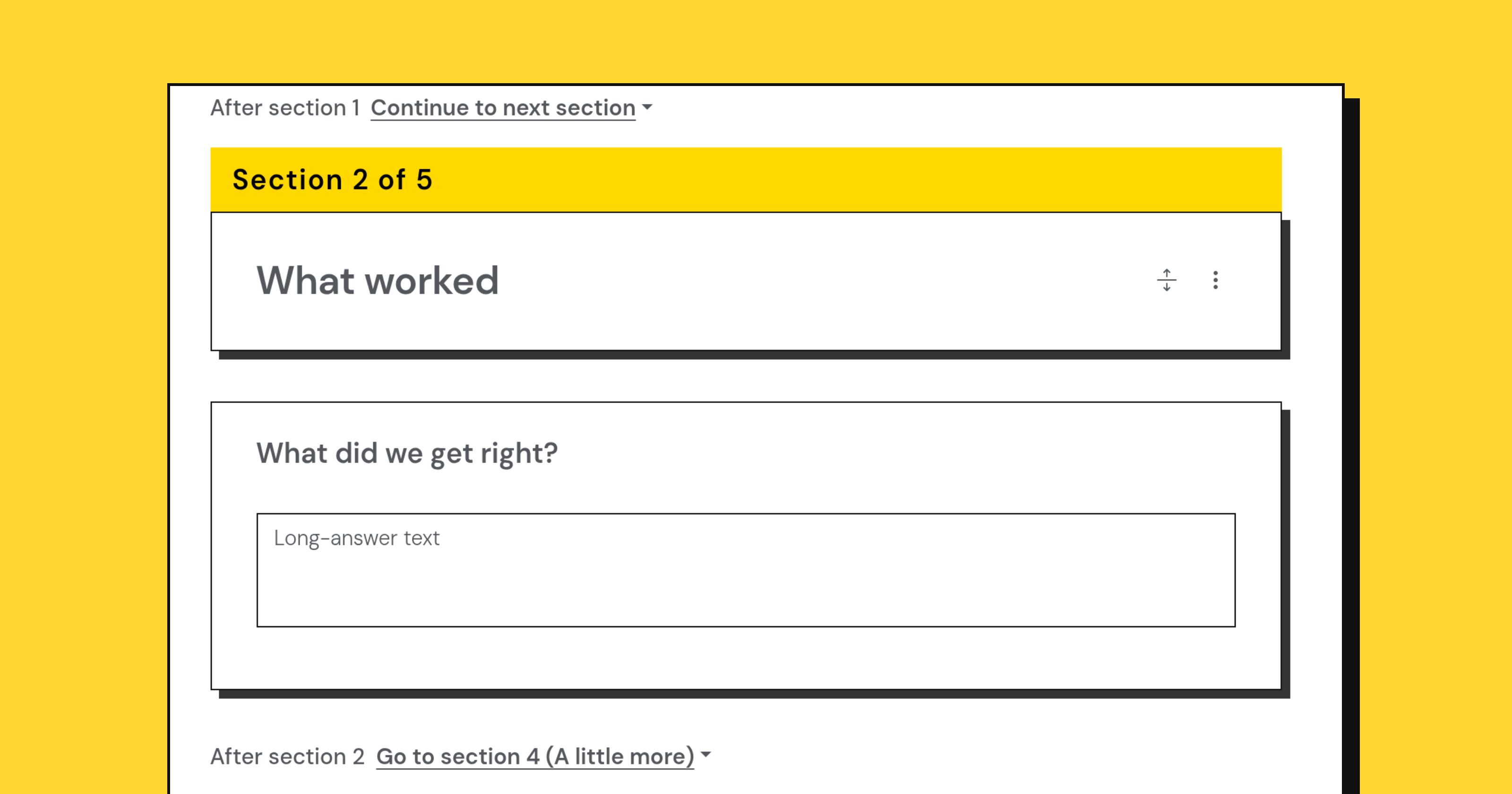
The second is the section’s own jump: after this section, go to that one, or end the form, for everybody who reaches it. No condition, no question involved. It is the quiet one people forget, and it is how you end a form early after a disqualifying section, or loop past an optional block.
Between them you can build most routing without turning the form into a maze. Two levels of branching is usually the limit of what you can keep in your head and test properly.
Say how much is left
A progress bar is only honest if the sections are roughly even. Four sections of three questions reads as steady progress. Three sections of two questions followed by one of twenty reads as a trap, and people leave at the last step having done the work.
If one section is much longer than the rest, split it. The respondent is measuring effort in screens, not in questions.
Name sections for the reader
“Section 2” tells the respondent nothing. “Your delivery address” tells them what they are about to type and lets them skim ahead. In a paged form, the section heading is the title of the page, so it is doing real work.
Test the shape, not just the questions
Fill your own form in on a phone, in one go, without skipping. Count the screens. Notice where you sighed. That is the section that needs splitting, moving, or cutting entirely, and no amount of careful question wording will fix it.